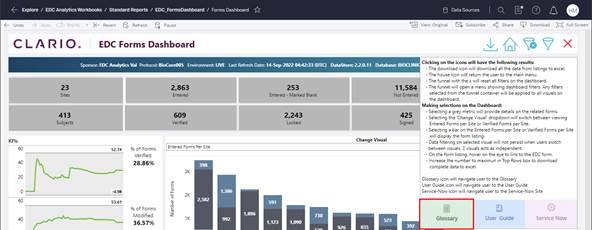
(Information) button. Click to select the Glossary button. The
screen displays a Glossary with detail that is specific for the Category screen
from which the action was initiated. Click
the
(Information) button. Click to select the Glossary button. The
screen displays a Glossary with detail that is specific for the Category screen
from which the action was initiated. Click
the  (return) button to exit the Glossary and
return to the previous screen.
(return) button to exit the Glossary and
return to the previous screen.